Password Reset Guide
Follow these steps to recover access when you forget your password or suspect that someone else has it. The workflow is split between the request page and the secure link that lets you choose a replacement password.
Request a reset link
While you're signed in, open the Reset password page from the account menu. Because email delivery is paused, the form can only create links for the account you are currently using. Signed-out team members should contact an administrator, who can verify their identity and provide a temporary link.
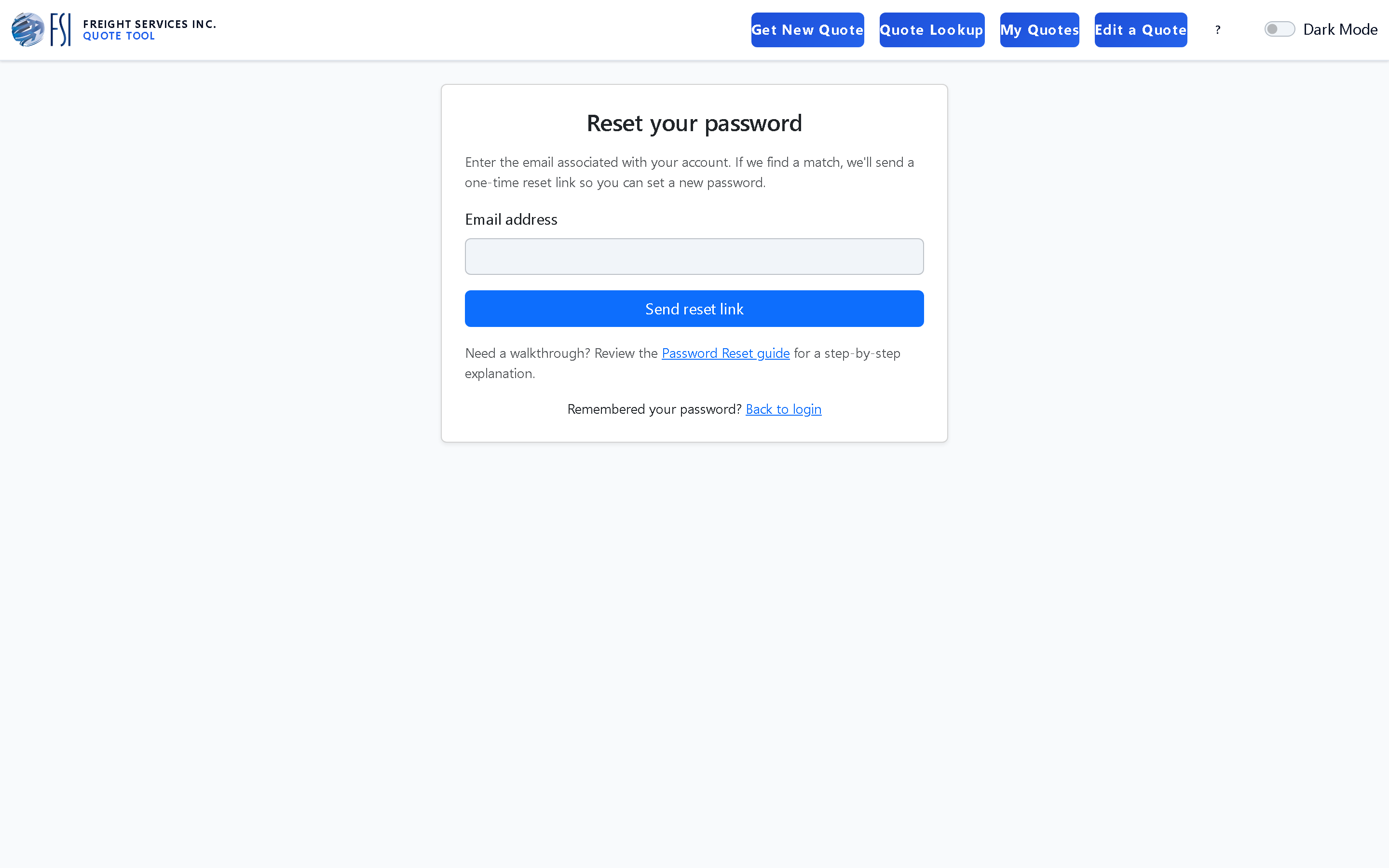
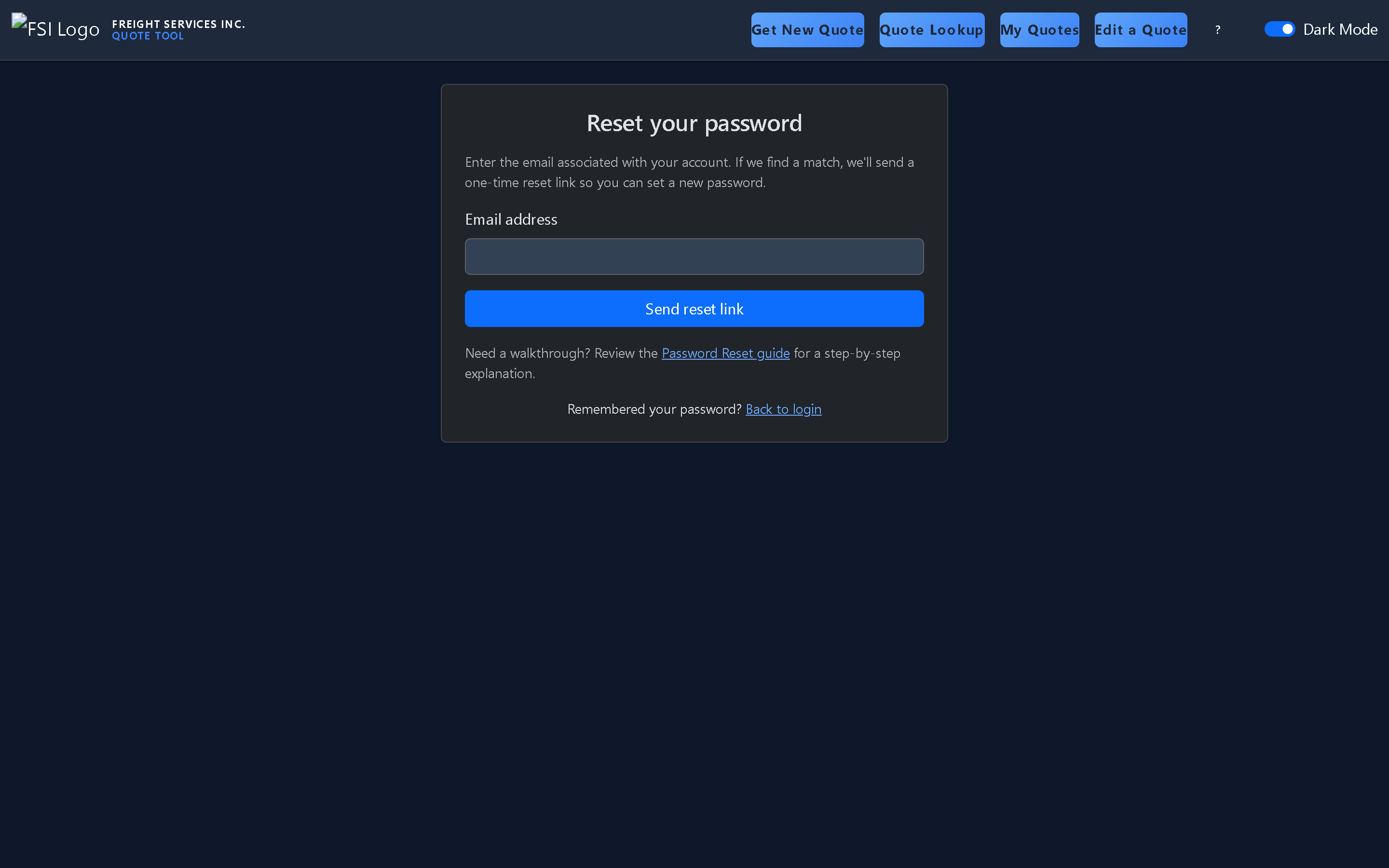
-
Click Generate reset link to start the process. The
create_reset_tokenhelper ties the token to your profile and rate-limits repeated requests so the system stays responsive. - When the token is ready, a Reset link ready panel appears with a button that opens the password form and a text box containing the one-time token in case you need to switch devices.
- Tokens expire after one hour and become unusable once the password changes. Generate a new one if you miss the window.
Set a new password
Click the Open reset page button in the panel or copy the token
into your browser to load the secure
/reset/example-token
page—your token will be unique and only works once. The form shows two
fields—one for your new password and one to confirm it. The
reset_password_with_token helper checks that both fields match and that the token has
not expired or been used already.
- Choose a unique passphrase that is at least 12 characters long. Mixing uppercase, lowercase, numbers, and symbols helps protect your account.
- If the link has expired, return to the request form while signed in to generate a fresh token.
- Successful submissions redirect you to the login screen with a confirmation message so you can sign in immediately.
Troubleshooting tips
- If the panel never appears, confirm you are still signed in. Otherwise, reach out to an administrator to confirm the account is active and request help.
- If you think someone else triggered the reset, ignore the message—unused tokens expire automatically, and your existing password remains valid.
- For urgent access requests, call the operations desk so they can verify your identity and help you regain control of the account.